How do I check my internet speed?
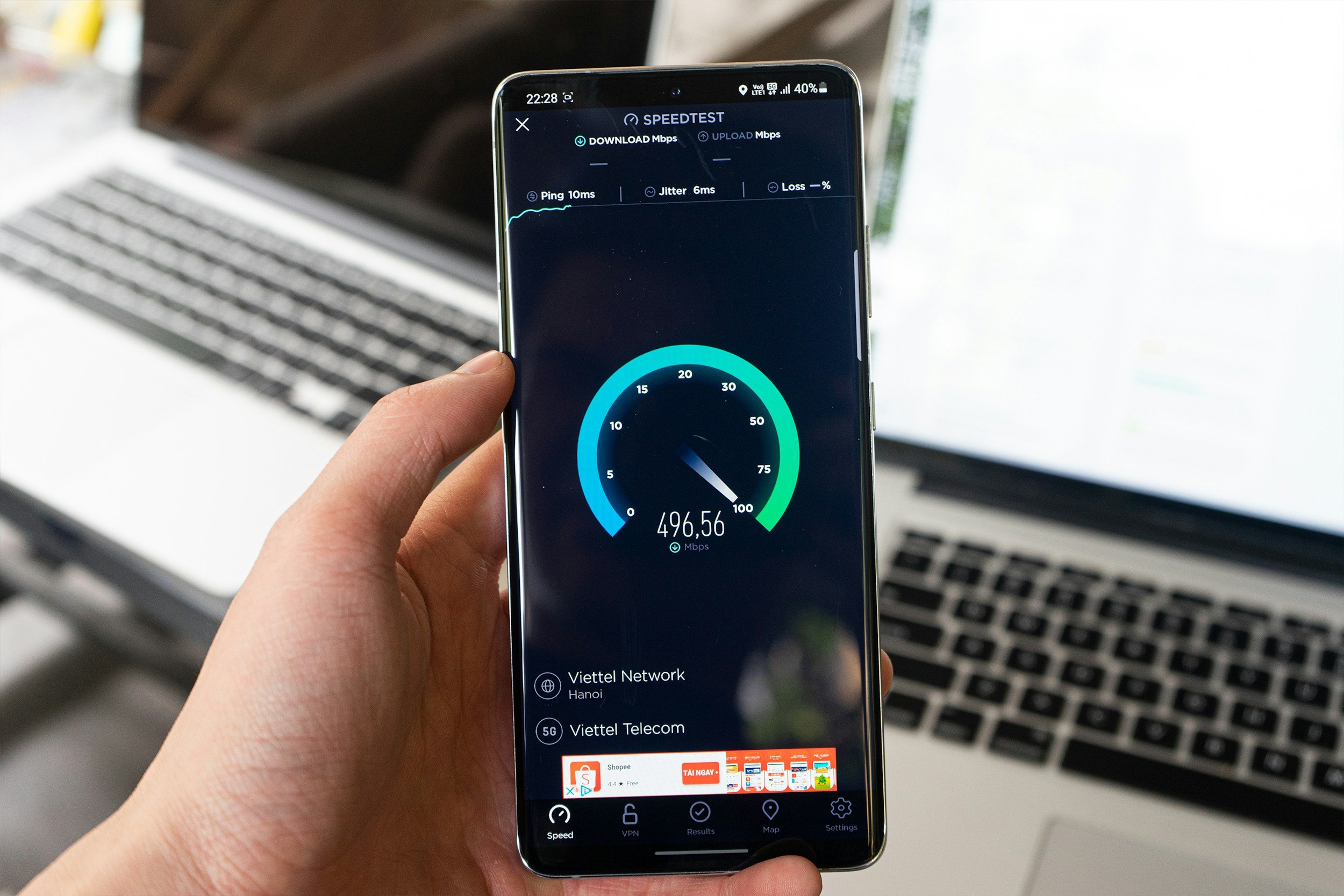
If websites are taking forever to load, video calls keep freezing, or Netflix won’t stop buffering, your internet speed may be to blame.
Fortunately, checking your internet speed only takes a minute or two and can help to determine if this is the cause of your headaches.
How To Run a Test
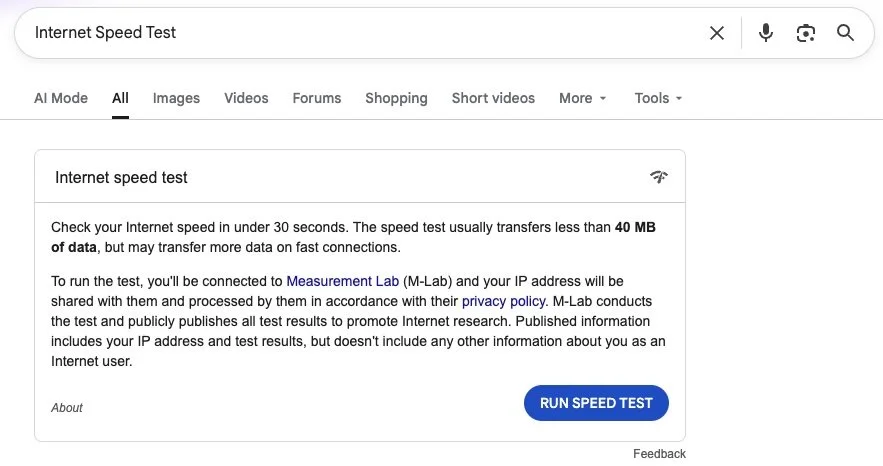
Open your web browser on your computer, phone, or tablet.
Search Google for Internet Speed Test.
Click the blue Run Speed Test button at the top of the page.
What do the Numbers Mean?
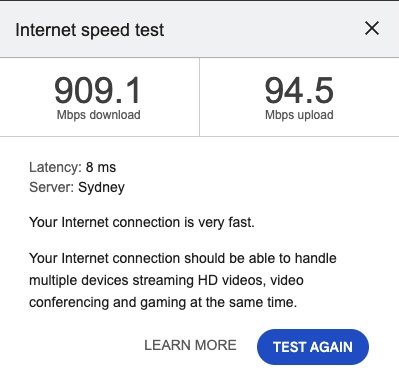
Download - Higher is Better
The download speed is how quickly data can be received on your device from the internet. It affects things like loading websites, streaming videos, and downloading files.
Upload - Higher is Better
The upload speed is how quickly data can be sent from your device to the internet. It affects things like sending files or photos, and backing up to the cloud.
Latency - Lower is Better
Latency is how quickly your device gets a response after sending a request over the internet in milliseconds. Lower latency means a more responsive connection, which is especially important for online gaming, video calls, and browsing the web.
What Results are Good?
The answer depends on a few factors, including the internet plan you're paying for, the type of internet connection you have (such as NBN Fibre to the Premise, 5G/4G, Starlink, etc.), and how you use the internet. Someone who only browses websites and checks emails doesn't need the same speeds as a household streaming 4K movies, making video calls, and gaming online at the same time.
As a general rule, if your speed test results are close to the speeds advertised by your internet provider, your internet connection is probably performing as expected. If your results are consistently much lower than expected, it may be worth contacting your internet provider or investigating other issues with your home network like range black spots.
As a general rule of thumb, we recommend:
Email & Web Browsing - 25Mbps+
HD Video Streaming - 25Mbps+
Video Calls - 25Mbps+
4K Video Streaming - 50Mbps+
Online Gaming - 50Mbps+ (though low latency is more important than speed here)
Keep in mind that your internet speed is shared between every device on your network. If four people are streaming videos while someone else is downloading a large game, each device gets a smaller share of the available bandwidth.