Why is my computer slow?
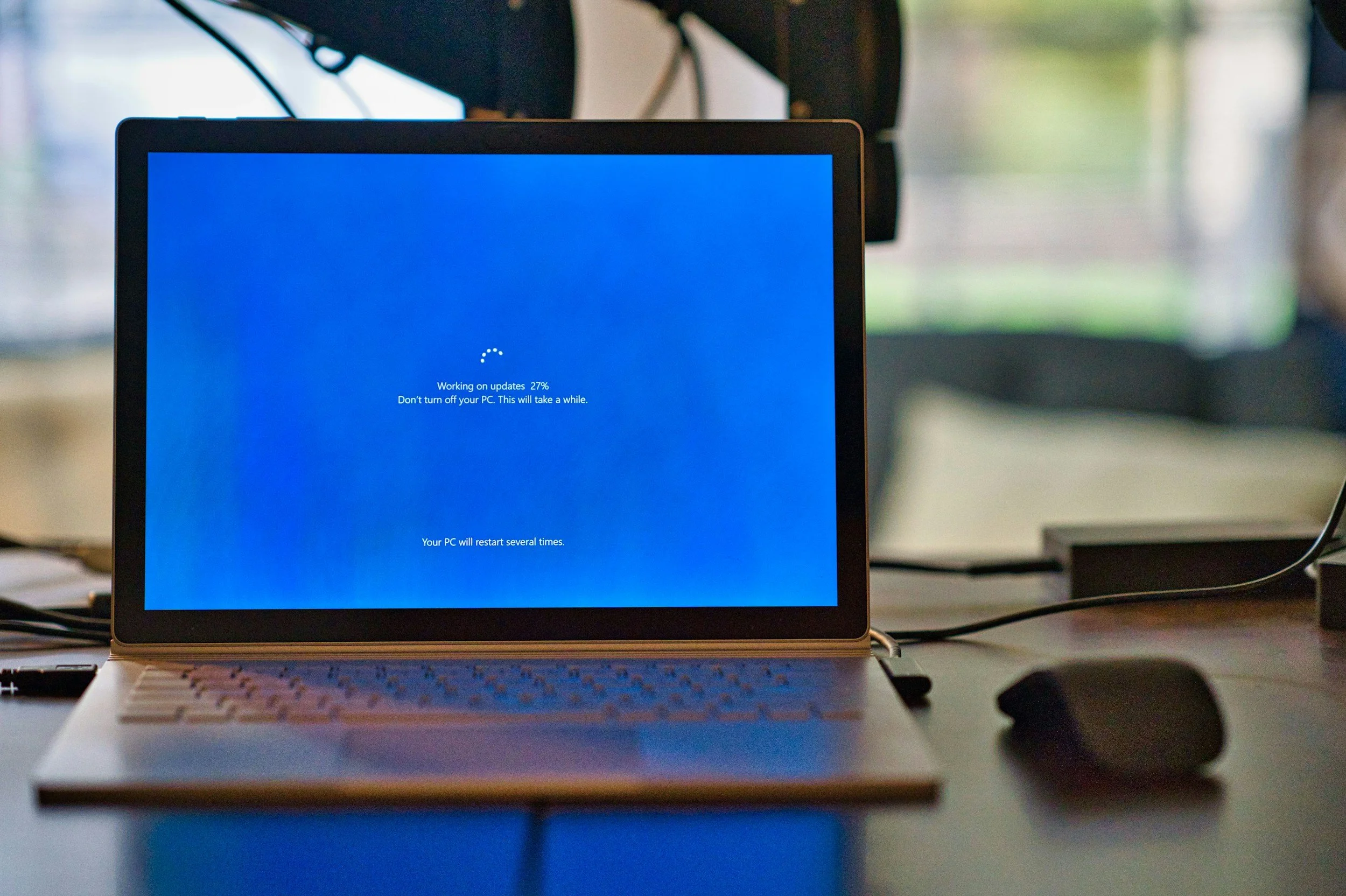
A slow computer can be infuriating. You just want to get some work done, but instead you're left staring at a spinning loading icon while your computer struggles to keep up.
But why is your computer so slow? It didn’t feel like this when you first got it out of the box. Let’s dig into some reasons below.
Before we jump in, it makes sense to sanity check that your computer is actually to blame here. If websites take ages to load but programs like Settings, Microsoft Word, or File Explorer open quickly, it is probably your internet connection or that particular website. You can test your internet connection to check if you are having speed or latency issues. If everything feels sluggish, it is probably your computer, so read on.
Software
Not Restarting
One of the most common and easily fixed causes of bad computer performance is a long system uptime, caused by not restarting frequently. Restarting your computer clears temporary files, refreshes system processes, and completes pending updates. A simple restart can often resolve slow performance and minor software issues, or at least give you a clean slate to keep troubleshooting.
Updates Backlog
If you feel like your computer wants to update every time you use it, it could be that you use it infrequently so this is its only opportunity to download and install the required patches. Software updates are vital for fixing security issues or technical bugs, so we recommend you apply updates when prompted. A simple way to avoid waiting for updates when on a time crunch is to start up your computer routinely to check for and apply updates. Since the updates are usually rolled out on a regular basis (often monthly), keeping on top of them prevents a long backlog when you need to get some work done.
Antivirus Software
Antivirus software plays a key role in preventing viruses from being installed on your computer and slowing it down or stealing your information. However, did you know that more is not better when it comes to antivirus software? Having more than one antivirus software installed on your computer can result in each program detecting the other one as a virus (due to the way they deeply root into your operating system) and causing conflicts, slowing everything down. Antivirus software often regularly scans your computer, so changing the schedule of when these scans occur can prevent them slowing down your computer when you need to get some work done.
Bloat Over Time
Over time, all the programs and updates installed on your computer start to stack up, making your computer feel bloated and slow. Preventing unwanted programs from starting automatically with your computer (Microsoft Teams, Spotify, Steam, etc) can help speed up the startup time and free up the hardware resources for the programs you actually want to use. Sometimes the most effective way to clean everything up is to back your data up, wipe the computer, and reinstall the operating system. This clears out years of compounded updates and glitches, and gives you a nice clean slate and usually makes your computer feel dramatically more responsive than it did before.
Hardware
Your computer’s hardware is the physical computer itself. There are a few reasons why the hardware can cause bad performance:
Overheating Components
Heat is one of your computer’s worst enemies. Over time, your computer will fill with dust from the fans drawing air in. This dust prevents the cooling system from working properly, and so your computer throttles down to keep temperatures under control. Opening up the computer and cleaning the dust from the cooling system can make a huge difference, especially if it is a few years old and you have never had it cleaned before.
Insufficient / Aging Hardware
Modern software continues to become more demanding as new features, cloud services and AI tools are introduced. Often you can upgrade your computer’s hardware like the RAM (memory) or storage (HDD/SSD) to alleviate common bottlenecks at a fraction of the cost of a new computer. If your computer still uses an older mechanical hard drive (HDD), replacing it with a Solid State Drive (SSD) is often the single biggest performance upgrade you can make without splurging on a new device. You can use built in tools on your computer to check if one of your hardware components is the bottleneck.
Hardware Failure
Failing hardware can also cause extremely slow performance. When a component begins to malfunction, it won’t always just stop working immediately, it can start producing errors or take longer to respond, making everything feel sluggish or buggy. If your computer has become progressively slower over weeks or months, freezes regularly, or makes unusual noises, it's worth having it checked before the problem worsens. In particular, a failing storage drive can eventually lead to permanent data loss.
What Won’t Help
There’s some misleading or aging advice out there on how to speed up your computer which we recommend avoiding. These suggestions often don’t improve the speed of your computer, or can actually make it worse and cause errors.
PC “Optimisers”
There are a lot of applications out there that promise to “optimise your computer”, “clean your registry”, or “boost your RAM”. These programs often don’t result in any meaningful improvements, can cause errors by messing with critical settings in your operating system, or even be straight up malware (viruses). We recommend skipping over these entirely since Windows and MacOS already performs its own housekeeping in the background anyway.
Skipping Updates
Developers release updates for a reason - usually to fix bugs or resolve security flaws that could result in bad actors getting access to your data. We get that it can feel like they’re pushing planned obsolescence, but skipping updates is like not fixing an obviously broken lock on your front door - you know that there is a risk of losing everything inside, but you’re gambling that it won’t happen to you.
A computer that gradually becomes slow usually needs maintenance, but a computer that suddenly becomes slow usually has a problem. With these simple tips in mind, you can save time and your sanity. If you’d rather leave the troubleshooting to the professionals, we’re here to help. Whether it is cleaning up the software, upgrading the hardware, or performing repairs, we make the process as smooth as possible.